Plain Text Paste converts the current clipboard content to plain text, so that you can paste the text into other apps, such as Mail, without any formatting.
Did you know?
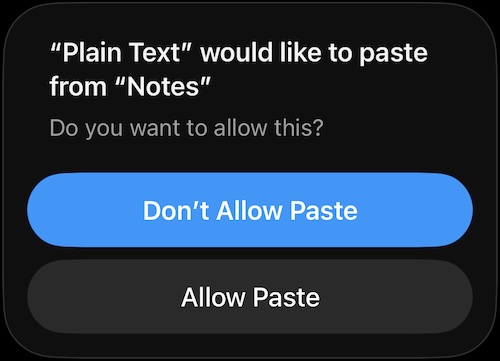
If you're seeing this when you open the app, you can give permission to always allow paste from other apps.
- Go to iOS Settings
- Go to Apps
- Go to Plain Text
- Go to Paste from Other Apps
- Select Allow
Clear formatting from text in the clipboard
Easy way (not available in all apps)
- Highlight text from any app
- Select Share… if available (if not, use Option 2)
- Select Copy Plain Text
- Paste the unformatted text into any app you wish
Classic way
- Copy text from any app
- Open Plain Text app
- The text in the clipboard is automatically converted to plain text
- Paste the unformatted text into any app you wish
Edit text in the clipboard
Simply tap the text. You can then modify the current text in the clipboard.
Important
If Plain Text Paste finds any text in the clipboard, all other clipboard content will be erased except for the plain text.
Contact
Still lost? Give me a shout at hello@appdimensions.com